![White Logo.png]](https://help.quil.ai/hs-fs/hubfs/White%20Logo.png?height=50&name=White%20Logo.png)
1. Log into Quil:
- Start by logging into your Quil account. Once logged in, you'll be directed to the overview page.
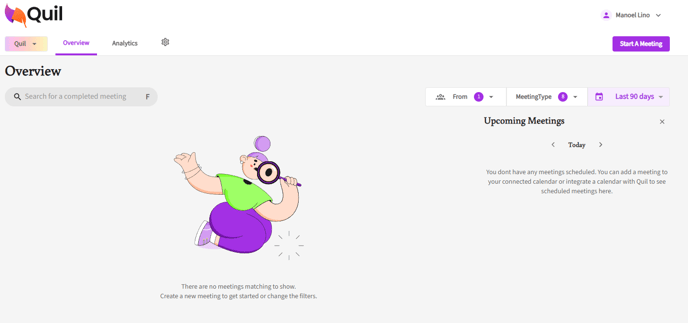
2. Access Profile
- From the top right corner, click on your name, and from the dropdown, select "profile"
3. Change Password
- From the profile page, scroll down to the bottom of the page, under Privacy & Security, next to password select "Change Password".
- Update your password.
If you require additional help, reach out to your main point of contact at Quil or email support at support@quil.ai.